
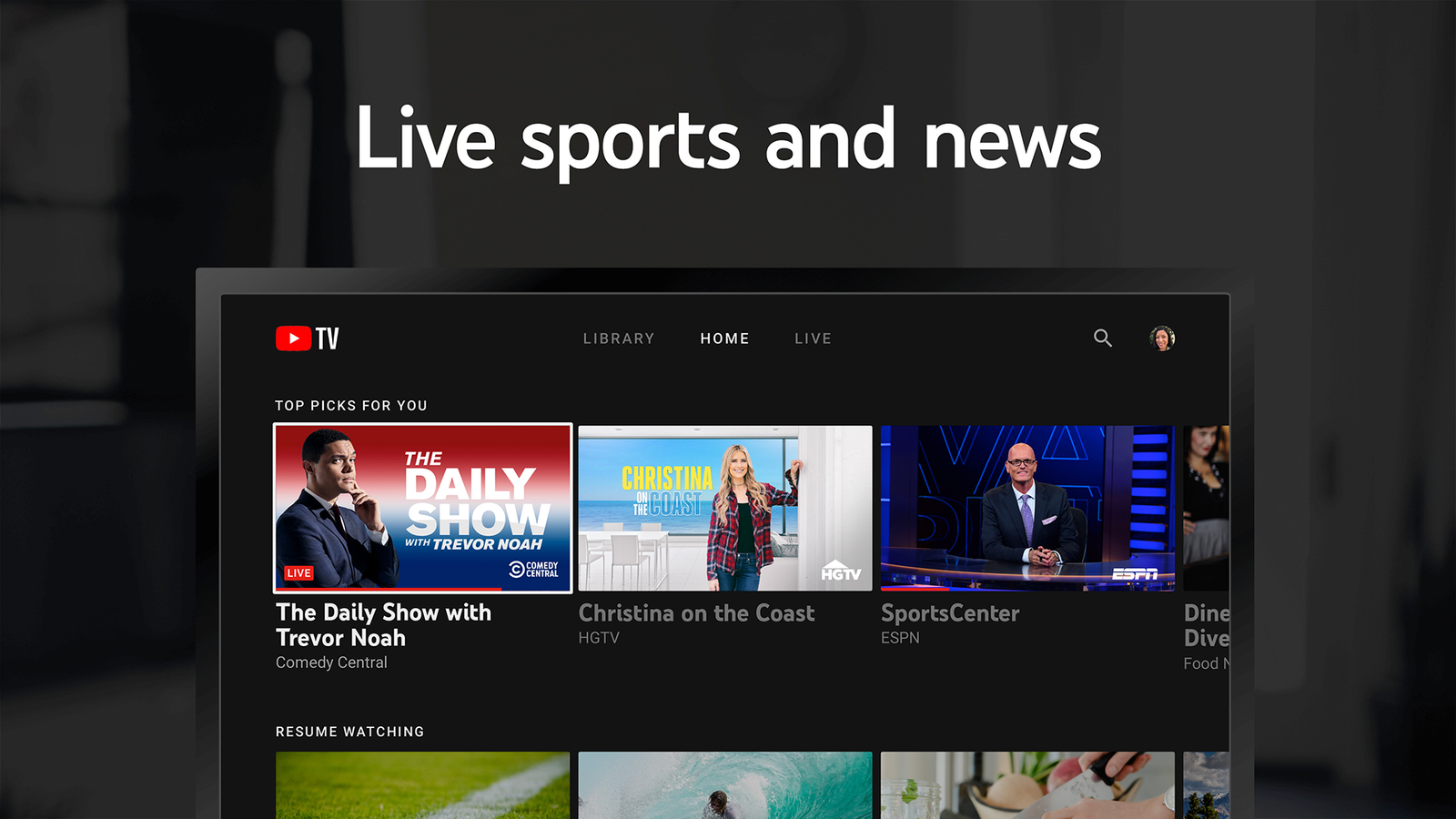
Television viewing has changed significantly as more people switch from cable TV to internet-based streaming services like YouTube TV. YouTube TV has emerged as a primary contender in the live television space, offering a robust alternative for those seeking the familiarity of broadcast networks combined with the flexibility of modern digital platforms. This guide provides a detailed analysis of how the service operates, its technical requirements, and the specific features that distinguish it from competitors.
The shift toward OTT streaming services is mainly driven by demand for flexible, contract-free viewing. YouTube TV serves as a virtual multichannel video programming distributor (vMVPD), providing access to local networks, sports channels, and premium entertainment through a standard internet connection. Understanding the technical nuances of this platform is essential for users looking to maximize their viewing experience while maintaining cost efficiency.
Understanding the YouTube TV Architecture
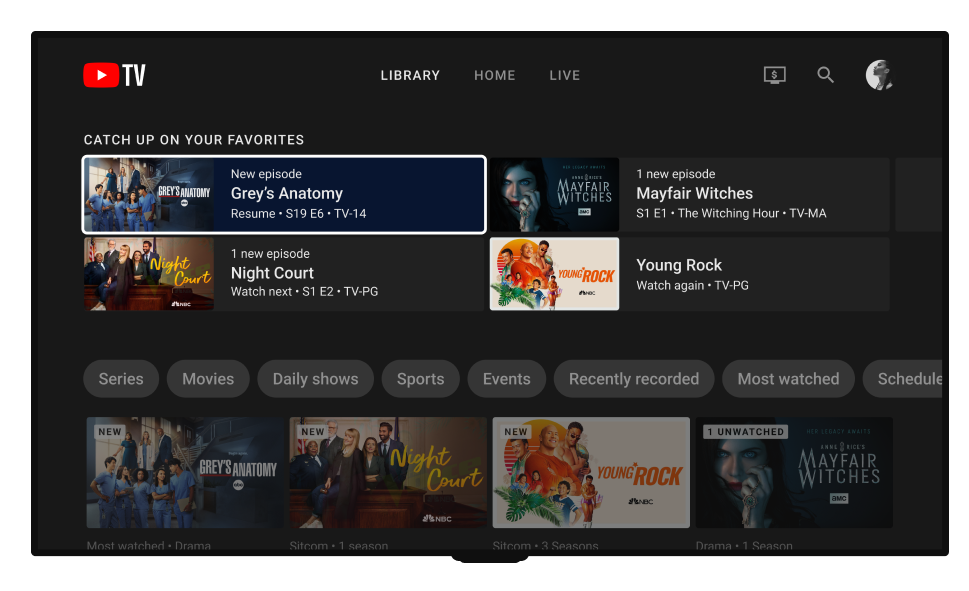
YouTube TV functions as a cloud based service, meaning that the heavy lifting of signal processing and storage occurs on remote servers managed by Google. This architecture allows for features that traditional hardware cannot easily replicate. For instance, the service provides access to over 100 channels, including major networks like ABC, CBS, NBC, and FOX, depending on the geographic location of the user. YouTube TV uses Google’s search technology to help users find shows and channels quickly.
The service utilizes adaptive bitrate streaming, which adjusts the video quality in real time based on the available internet bandwidth. This ensures that the stream remains continuous even if the network speed fluctuates. For users interested in the highest fidelity, the platform supports 1080p resolution for most channels, with options for 4K content through specific add on packages. A stable high-speed internet connection is required for smooth HD and 4K streaming.
Core Features and Technical Specifications
One of the most significant advantages of YouTube TV is its approach to digital video recording (DVR). Unlike physical DVR boxes that have limited storage capacity, YouTube TV offers an unlimited cloud DVR system. Users can record an unlimited number of shows simultaneously without worrying about storage space. Recordings are stored in the cloud and automatically saved for up to nine months.
The service also supports six individual accounts per household. Each family member can have their own personalized recommendations and private DVR library. While six accounts are permitted, the standard plan allows for three concurrent streams at any given time. This is a critical specification for large households where multiple people may be watching different content in various rooms simultaneously.
Hardware and Connectivity Requirements
To ensure a seamless experience, users must meet specific hardware and connectivity standards. YouTube TV is compatible with a wide range of devices, including smart TVs from major manufacturers, streaming sticks like Roku and Amazon Fire TV, and gaming consoles such as the PlayStation and Xbox series. The app is regularly updated to ensure smooth performance on different devices.
Internet speed is the most vital factor for performance. Recommended internet speeds are:
- 3 Mbps for standard definition (SD) quality.
- 7 Mbps for a single high definition (HD) stream on one device.
- 13 Mbps for multiple HD streams within the same household.
- 25 Mbps or higher for 4K resolution content.
Using a wired Ethernet connection instead of Wi-Fi is often recommended by experts to reduce latency and prevent buffering during high stakes live events like sports broadcasts. Using a wired Ethernet connection can improve stability and reduce buffering.
Step-by-Step Guide to Optimizing Your Experience
Setting up the service is straightforward, but optimization requires a few extra steps. Follow this guide to ensure the best configuration:
1. Account Creation and Location Verification: Use a Google account to sign up. The service requires location permissions to provide the correct local affiliate channels. Ensure your device's location services are enabled during the initial setup.
2. Customizing the Live Guide: The default channel order may not be ideal for everyone. Users can navigate to the settings on a web browser and select Custom under the Live Guide section. This allows for reordering or hiding channels that are rarely watched.
3. Setting Up DVR Preferences: To record a show, simply click the plus icon next to the title. The system will automatically record every upcoming airing of that program, including new episodes and reruns.

Real-Life Use Cases and Benefits
For sports enthusiasts, the Multiview feature is a significant benefit. This allows users to watch up to four different live games on a single screen. The Multiview feature is widely used during live sports events to watch multiple games at once. The Key Plays feature also allows viewers to catch up on the most important moments of a game if they start watching after the event has already begun.
For families, the benefit lies in the individual profiles. Because each profile has its own DVR, a parent's library will not be cluttered with children's programming. Furthermore, the absence of long term contracts allows users to pause or cancel the service at any time without incurring early termination fees, providing a level of financial flexibility not found in traditional cable packages.
Common Mistakes to Avoid
Many users forget to update their home area, which can affect access to local channels. YouTube TV requires users to check in from their home network periodically to maintain access to local channels. If a user travels frequently and does not update their playback area, they may lose access to local news and sports.
Another mistake is ignoring the data usage. High definition streaming consumes significant amounts of data. Users with data caps on their home internet plans should monitor their consumption, especially when streaming in 4K. Experts suggest that setting the quality to 720p or 1080p manually can help conserve data if a 4K connection is not strictly necessary.
Pro Tips and Expert Insights
Here are some useful tips to improve your experience:
- Use the Search Bar for More Than Titles: You can search for specific actors, directors, or sports teams to find all related content currently airing or available in the on-demand library.
- Keyboard Shortcuts: If watching on a computer, use the J, K, and L keys to rewind, pause, and fast forward, similar to the standard YouTube interface.
- Dark Mode: Enable dark mode in the settings to reduce eye strain during late night viewing sessions.
- Mobile Integration: Use the mobile app to schedule recordings while away from home. The changes sync instantly across all devices.
Frequently Asked Questions
Q: Does YouTube TV include local channels?
A: Yes, the service includes local affiliates for ABC, CBS, NBC, and FOX in the vast majority of markets in the United States. Availability is based on the user's billing zip code and current physical location.
Q: Can I watch YouTube TV while traveling?
A: You can use the service anywhere in the United States. However, the available local channels will change based on your current location. You must return to your home area and log in at least once every three months to keep the account active.
Q: Is there a limit to how many shows I can record?
A: There is no limit to the number of individual programs or total hours you can record. The unlimited cloud DVR is one of the core features of the base plan.
Q: What is the cost of the 4K Plus add-on?
A: While prices may vary based on promotional offers, the standard 4K Plus add-on typically requires an additional monthly fee on top of the base subscription. This add-on also often includes the ability to stream on unlimited devices while on the home Wi-Fi network.
Conclusion
YouTube TV represents a sophisticated blend of traditional television and modern streaming technology. By offering unlimited DVR, multi-profile support, and a wide array of channels without the burden of physical hardware or long term contracts, it has set a high standard for the cord-cutting movement. Users who take the time to customize their guides and understand the technical requirements of their home networks will find the service to be a highly efficient and versatile entertainment hub. The platform continues to evolve, focusing on user interface improvements and expanded content partnerships to maintain its position in a competitive market.





Comments 0
Leave a Reply
Your email address will not be published. Required fields are marked *
Be the first to share your thoughts!