
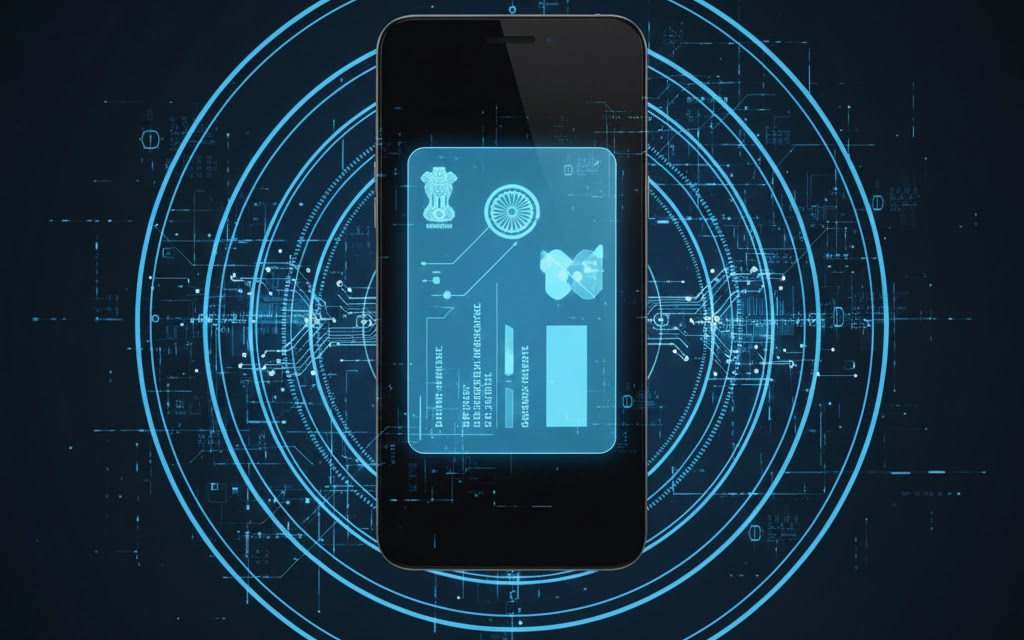
💡 Where is Uidai aadhaar?
Explore the complete guide to UIDAI Aadhaar, covering mobile integration, security features, benefits of the mAadhaar app, and the future of digital identity in India.
The Evolution of UIDAI Aadhaar: A Comprehensive Guide to India's Digital Identity Framework
The Unique Identification Authority of India (UIDAI) has transformed the landscape of governance and service delivery in India through Aadhaar. As the world's largest biometric ID system, Aadhaar serves as a foundational digital identity for over 1.3 billion people. In an era where mobile connectivity is the primary gateway to the internet for most Indians, the integration of this identity into smartphones has become a central theme of digital infrastructure discussions. According to global technology analysts, the shift toward mobile-first identity solutions is a critical step in achieving a truly paperless and cashless economy.
What is the UIDAI Aadhaar system?
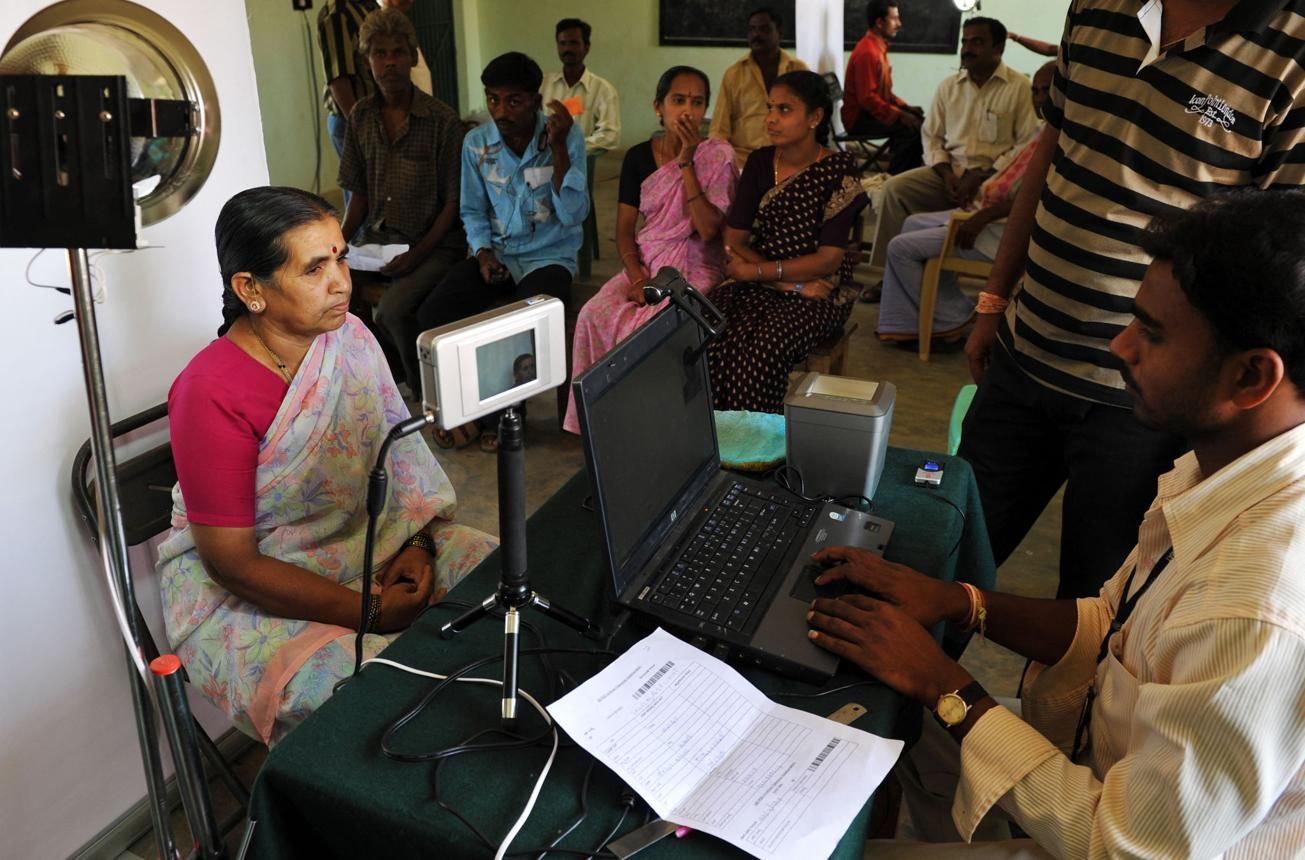
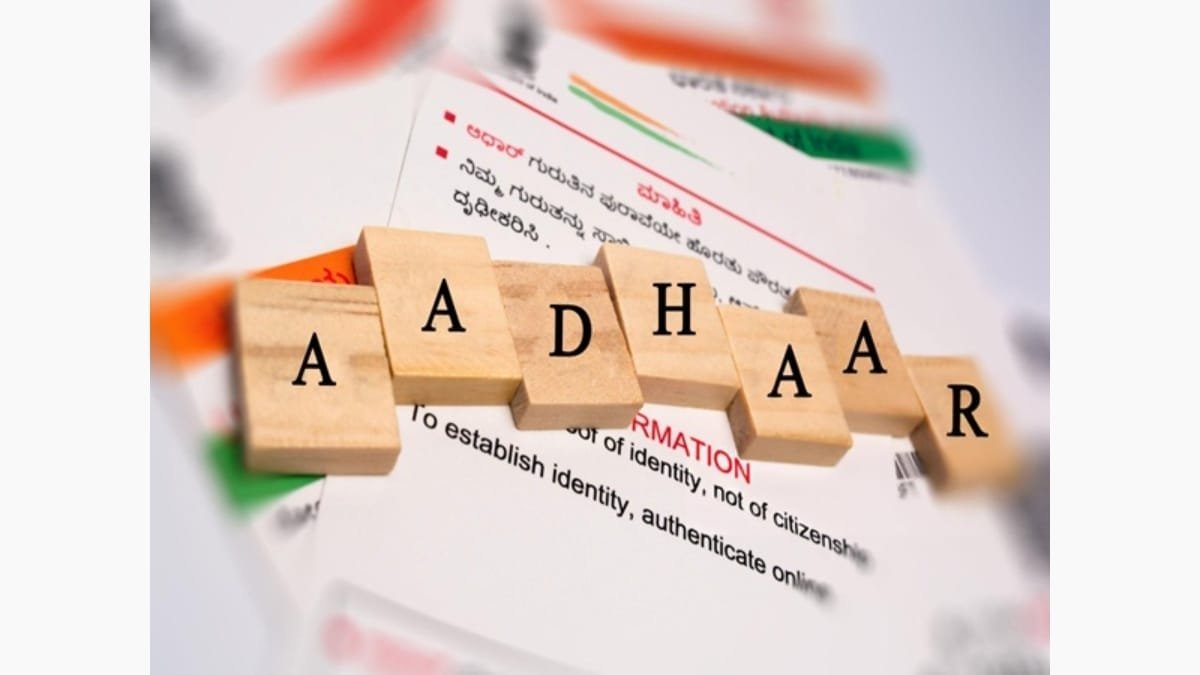
Aadhaar is a 12-digit unique identity number issued by the UIDAI on behalf of the Government of India. It captures both demographic data, such as name, address, and date of birth, and biometric data, including fingerprints and iris scans. Unlike traditional identity documents, Aadhaar is designed to be verified online, making it a powerful tool for eliminating duplicate and fake identities in government databases.
analysts note that Aadhaar’s strength lies in its ability to provide a platform for other digital services. It acts as the 'identity layer' of the India Stack, a set of APIs that allow governments, businesses, and developers to utilize a unique digital infrastructure to solve hard problems toward presence-less, paperless, and cashless delivery of services. As per recent industry reports, this framework has significantly reduced leakages in welfare schemes by ensuring that benefits reach the intended recipients directly.
How does the mAadhaar mobile application work?
The mAadhaar app is the official mobile version of the Aadhaar card, developed to provide a convenient way for citizens to carry their identity on their smartphones. It allows users to download their Aadhaar profile, update certain demographic details, and even lock or unlock their biometrics for enhanced security. The app serves as a digital wallet for identity, recognized by railways and airports as a valid proof of identity.
According to digital infrastructure specialists, integrating Aadhaar more deeply into mobile devices increases accessibility. There have been discussions about preloading such applications on new smartphones to ensure every citizen has immediate access. However, implementation involves complex considerations regarding user choice and device storage. Analysts note that preloading should be balanced with privacy protocols and manufacturer guidelines.
How to set up and use the mAadhaar application?
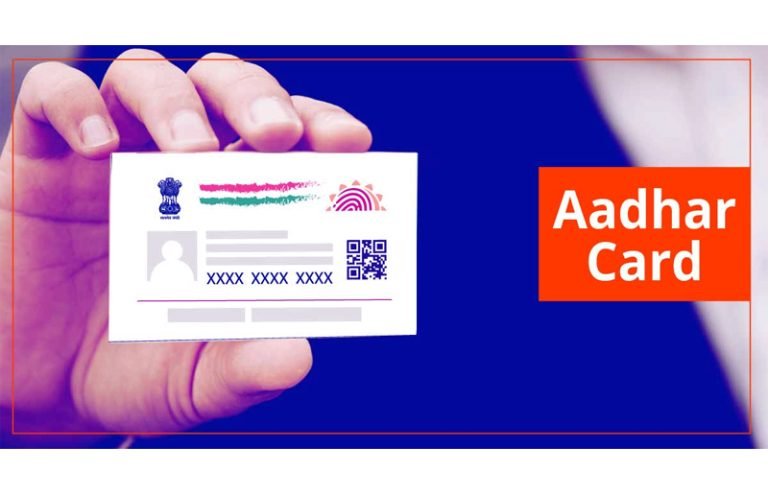
Setting up the mAadhaar application is straightforward. However, it requires the user’s mobile number to be linked with their Aadhaar record in the UIDAI database. Follow these steps to get started:
- Download the official mAadhaar app from the Google Play Store or Apple App Store. Ensure the developer is listed as the Unique Identification Authority of India.
- Open the app and grant the necessary permissions for SMS and location, which are required for security verification.
- Create a 4-digit passcode for the application. This passcode will be required every time you open the app or access your profile.
- Enter your Aadhaar number or scan the QR code on your physical Aadhaar card.
- Enter the OTP (One-Time Password) sent to your registered mobile number. Once verified, your Aadhaar profile will be downloaded to the device.
Once the profile is set up, users can access features like the Virtual ID (VID) generator, which provides a temporary 16-digit number that can be used instead of the actual Aadhaar number for authentication, thereby protecting the user's primary ID.
What are the benefits of the Aadhaar ecosystem?
The Aadhaar ecosystem offers a wide range of benefits for both the government and the individual citizen. By providing a verifiable identity, it has unlocked access to services that were previously difficult to obtain for many segments of the population. Experts suggest that the primary advantages include:
- Direct Benefit Transfer (DBT): Aadhaar allows the government to transfer subsidies for gas, electricity, and food directly into the bank accounts of beneficiaries, reducing corruption and administrative costs.
- Simplified KYC: The e-KYC (Electronic Know Your Customer) process has revolutionized the banking and telecom sectors. Users can open bank accounts or get new SIM cards instantly using biometric authentication.
- Unified Platform: Aadhaar acts as a single point of identity for various services, including filing income tax returns, applying for a passport, and accessing digital lockers.
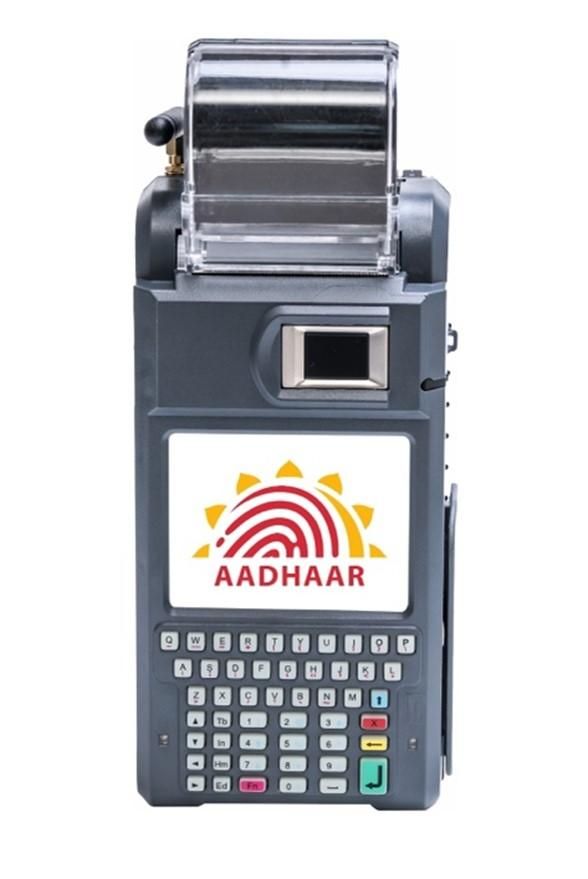
- Financial Inclusion: Through the Aadhaar Enabled Payment System (AePS), individuals in rural areas can perform basic banking transactions like withdrawals and deposits through business correspondents using only their Aadhaar number and biometrics.
How to secure your Aadhaar data?
Security is a paramount concern when dealing with biometric and demographic data. The UIDAI has introduced several layers of protection to ensure that Aadhaar data remains secure. As per security analysts, users should be proactive in utilizing these features:
- Biometric Locking: Through the mAadhaar app or the UIDAI portal, users can lock their biometrics. This prevents anyone (including the user) from using fingerprints or iris scans for authentication until the lock is disabled.
- Masked Aadhaar: When providing a copy of your Aadhaar for identity proof, use the Masked Aadhaar option, which hides the first eight digits of the number and only displays the last four.
- Virtual ID (VID): Use a VID for authentication instead of your permanent Aadhaar number whenever possible. A VID is valid for a limited time and can be regenerated at any time.
- Authentication History: Regularly check your Aadhaar authentication history on the UIDAI website to monitor when and where your ID was used.
What are the common mistakes to avoid with Aadhaar?
Despite the robust security measures, user errors can lead to vulnerabilities. Users should avoid the following common mistakes:
- Sharing OTPs: Never share your Aadhaar OTP with anyone over the phone or via email. The UIDAI never asks for OTPs through calls.
- Using Public Computers: Avoid downloading your e-Aadhaar on public computers in cyber cafes. If you must do so, ensure you delete the file and clear the browser history completely.
- Outdated Mobile Numbers: Many users forget to update their mobile numbers in the Aadhaar database when they switch SIM cards. This can lead to issues with receiving OTPs for essential services.
- Publicly Posting Aadhaar Photos: Do not share photos of your Aadhaar card on social media platforms, as this exposes your personal details to potential identity theft.
Why is mobile preloading a topic of discussion?
As per recent industry reports, the proposal to preload national identity applications like mAadhaar on smartphones has sparked a debate between convenience and digital sovereignty. Proponents argue that preloading ensures that even non-tech-savvy users have immediate access to their digital identity, which is essential for accessing government services. It facilitates a smoother onboarding process for the millions of Indians who buy their first smartphone every year.
On the other hand, some experts suggest that preloading might raise concerns regarding 'bloatware' and user privacy. Smartphone manufacturers often have strict policies regarding what apps are pre-installed on their hardware. The pushback observed in some sectors highlights the need for a collaborative approach between the government and technology providers to ensure that digital identity tools are accessible without compromising the user experience or device performance.
Frequently Asked Questions
Is the mAadhaar app mandatory for every citizen?
No, the mAadhaar app is not mandatory. It is an optional digital convenience provided by the UIDAI. Citizens can continue to use their physical Aadhaar card or a printed e-Aadhaar for all services. However, the app offers additional security features like biometric locking that are highly recommended.
Can I use mAadhaar if I do not have my mobile number registered?
No, a registered mobile number is essential to use the mAadhaar app. The app uses an OTP-based verification system linked to the mobile number stored in the UIDAI database to ensure that only the rightful owner can access the profile.
What should I do if I lose my phone with the mAadhaar app installed?
If you lose your phone, your Aadhaar data is still protected by the 4-digit passcode you set within the app. However, you should immediately contact your telecom provider to block your SIM card to prevent unauthorized access to OTPs. Once you have a new SIM with the same number, you can install the app on a new device and your old session will be deactivated.
How is a Virtual ID (VID) different from an Aadhaar number?
An Aadhaar number is a permanent 12-digit ID, while a VID is a temporary, revocable 16-digit number mapped to your Aadhaar. Using a VID provides an extra layer of privacy because the service provider does not see your actual Aadhaar number during the authentication process.
Can I update my home address using the mAadhaar app?
Yes, the mAadhaar app allows users to update their residential address online, provided they have valid supporting documents or an address validation letter. Other details like name, date of birth, or biometrics usually require a visit to an Aadhaar Enrollment Center.
Conclusion
The UIDAI Aadhaar system has evolved from a simple identity card into a sophisticated digital framework that powers the modern Indian economy. While the integration of Aadhaar into mobile devices through apps like mAadhaar offers unprecedented convenience, it also necessitates a higher level of user awareness regarding digital security. As the conversation around preloading applications on smartphones continues, the focus remains on making digital identity as accessible and secure as possible for every citizen. By following best practices and utilizing the security features provided by the UIDAI, users can safely navigate the digital landscape of India.
Important Note: Financial Disclaimer: This content is for educational purposes only and does not constitute professional financial advice. Always consult with a certified financial planner before making investment decisions.
Related Media
Quick View: The Evolution of UIDAI Aadhaar: A Comprehensive Guide to India's Digital Identity Framework





Comments 0
Leave a Reply
Your email address will not be published. Required fields are marked *
Be the first to share your thoughts!