

Understanding the Digital Download Landscape in India
India has emerged as one of the largest markets for digital content globally. With the rapid expansion of high-speed mobile data and the increasing penetration of affordable smartphones, the volume of downloads across the country has reached unprecedented levels. India is one of the top countries for mobile app downloads and internet usage.
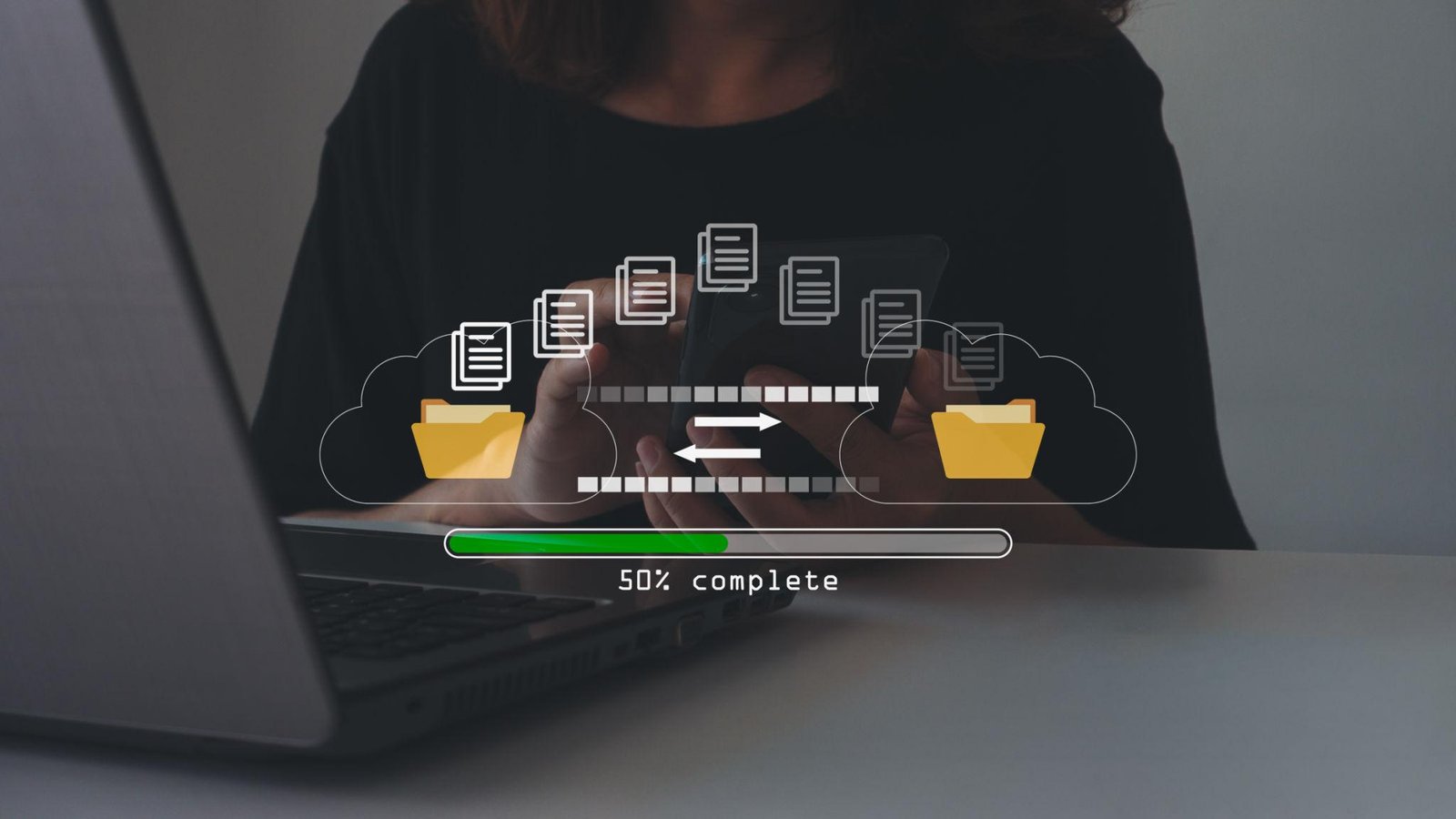
Downloading means getting data from the internet and saving it on your device. In the Indian context, this encompasses everything from government-issued documents via DigiLocker to high-definition streaming content and complex gaming software. Understanding how to manage these files effectively is crucial for maintaining device health and ensuring data privacy.

The Technical Mechanics of Modern Downloads
When a user initiates a download, several technical processes occur simultaneously. Download speed depends on internet quality, server location, and bandwidth. For users in India, many global tech companies have established local data centers in cities like Mumbai, Chennai, and Hyderabad to reduce latency and increase download speeds.
A Content Delivery Network (CDN) stores copies of data on multiple servers to improve speed. When you attempt to download a popular app or software update, the system automatically directs your request to the server closest to your physical location. This minimizes the distance data must travel, significantly reducing the time required to complete the task. CDNs help reduce loading time by connecting users to nearby servers.
Step-by-Step Guide to Safe and Secure Downloading
Safety is the most critical aspect of managing digital content. Safe downloading habits can help protect your device from malware. Here is a professional framework for secure downloads:
- Verify the Source: Always use official platforms such as the Google Play Store, Apple App Store, or the official website of the software developer. Avoid third-party marketplaces that do not have rigorous vetting processes.
- Check Permissions: Before installing a downloaded app, review the permissions it requests. A simple utility app should not require access to your contacts or microphone unless it is essential for its function.
- Use Secure Connections: Avoid downloading sensitive files or large software packages over public Wi-Fi networks. Use a secured home network or a trusted mobile data connection.
- Verify File Integrity: For advanced software downloads, experts suggest checking the MD5 or SHA-256 checksum provided by the developer to ensure the file has not been tampered with during transit.
Optimizing Download Speeds in the Indian Environment
While India has seen a massive leap in internet speeds due to 5G rollouts, users may still experience fluctuations. To maximize your download efficiency, consider the following technical adjustments. First, ensure that your device is connected to the 5GHz band if you are using a dual-band Wi-Fi router, as this offers higher data transfer rates compared to the 2.4GHz band. [Link to: High Speed Internet Technologies]
Second, manage background processes. Many applications consume bandwidth by updating in the background or syncing data to the cloud. By pausing these activities, you can dedicate the full capacity of your connection to a single, high-priority download. A download manager can improve speed by splitting files into multiple parts.
Real-Life Use Cases and Digital Transformation
The impact of digital downloads is visible across various sectors in India. In the education sector, students in rural areas download pre-recorded lectures to study offline, overcoming intermittent connectivity issues. In the realm of governance, the ability to download digital versions of Aadhaar cards, driving licenses, and academic certificates has revolutionized how citizens interact with state services. Offline access is very useful in areas with weak or unstable internet.
Furthermore, the gaming industry in India has seen a surge in downloads of high-capacity titles. These games often require several gigabytes of data, necessitating robust download management and storage optimization strategies. Users are increasingly turning to external storage solutions or high-capacity microSD cards to manage their growing library of digital assets.
Common Mistakes to Avoid
Despite the ease of access, many users fall into traps that compromise their devices. One common mistake is downloading 'cracked' or 'modded' versions of premium software. These files often contain hidden scripts that can hijack your device or steal personal information. Another error is neglecting to clear the download cache. Over time, temporary files and failed download remnants can occupy significant storage space, slowing down the entire operating system.
Additionally, users often ignore the importance of keeping their browser and operating system updated. These updates frequently include security patches that protect the system from new vulnerabilities discovered in download protocols. Many security problems happen when users do not update their software regularly.
Pro Tips for Efficient File Management
- Schedule Large Downloads: Many Indian Internet Service Providers (ISPs) offer unlimited data or higher speeds during off-peak hours, typically late at night. Schedule your largest downloads during these times.
- Use Wired Connections: For desktop computers, a physical Ethernet cable is always more stable and faster than Wi-Fi for downloading large software packages.
- Check Storage Availability: Always ensure you have at least 15 to 20 percent of free space on your device. A nearly full drive can cause downloads to fail or corrupt the file during the saving process.
- Scan Every Download: Even when downloading from trusted sources, use a reputable antivirus scanner to check the file before opening or executing it.
Frequently Asked Questions
1. Is it safe to download apps from third-party websites?
Generally, it is not recommended. Third-party sites often lack the security protocols of official stores, increasing the risk of malware. Always prioritize official sources for any digital content.
2. Why do my downloads slow down at 90 percent?
This often happens because the device is transitioning from downloading data to verifying and allocating space on the disk. It can also be caused by the server throttling the final bits of the data transfer.
3. How can I resume a failed download?
Most modern browsers and download managers support resuming. However, this depends on whether the host server supports 'Byte-range' requests. If the server does not support this, you may have to restart the process from the beginning.
4. Does downloading content consume more battery?
Yes, downloading involves active use of the network hardware (Wi-Fi or cellular modem) and the storage drive, both of which are power-intensive. It is best to download large files while the device is connected to a power source.
5. What are the legal implications of downloading copyrighted material?
Downloading copyrighted content without authorization is illegal in India under the Copyright Act. It is always best to use legitimate streaming or purchase platforms to support creators and stay within legal boundaries.
Conclusion
Mastering the art of digital downloads is a fundamental skill in India's growing digital economy. By understanding the technical aspects of data transfer, prioritizing security through official channels, and using optimization techniques, users can significantly enhance their digital experience. As infrastructure continues to improve, the ability to efficiently access and manage digital content will remain a cornerstone of personal and professional productivity in the region. The key to a successful digital journey lies in being informed, cautious, and proactive about the tools and files you bring onto your devices.
Lottery and gambling activities involve financial risk. This content is for informational purposes only. Please participate responsibly.





Comments 0
Leave a Reply
Your email address will not be published. Required fields are marked *
Be the first to share your thoughts!