
When Fortnite fails to load or shows “services unavailable,” it usually points to server maintenance, regional outages, or local internet issues rather than a problem with the game itself. Knowing how to identify the real cause can save time and unnecessary troubleshooting. For a global phenomenon like Fortnite, which hosts millions of concurrent players across various platforms, maintaining 100 percent uptime is a monumental technical challenge. When you find yourself asking if the game is down, the answer often lies in a complex web of server maintenance, regional outages, or local connectivity issues.
Understanding the mechanics of game uptime is essential for any modern gamer. Because the game relies entirely on cloud based infrastructure, any disruption in the communication between your device and the central servers can halt your progress. This guide provides a deep dive into how to verify server status, the different types of downtime you might encounter, and the practical steps you can take to ensure your own network is not the bottleneck.

Understanding the Architecture of Fortnite Servers
According to Epic Games official updates and server status reports, the infrastructure required to support a battle royale of this scale is incredibly sophisticated. The game does not run on a single giant computer. Instead, it utilizes a distributed network of data centers located across the globe. These data centers are divided into regions such as North America East, North America West, Europe, Brazil, Asia, and Oceania. This regional distribution is designed to minimize latency, which is the delay between a player action and the server response.
When the question arises regarding whether the game is down, it is important to distinguish between a global outage and a regional one. Sometimes, a specific data center might experience technical difficulties or routine maintenance while other regions remain fully operational. Experts suggest that most unplanned outages are the result of unexpected traffic surges or hardware failures within these specific regional hubs.(Understanding the Architecture of Fortnite Servers)

How to Officially Verify if Fortnite is Down
Before you begin dismantling your home router or reinstalling the entire game, you should always consult official sources. As per industry standard protocols for live service games, the developers maintain dedicated status pages that provide real time information on the health of their services. These pages typically track various components of the ecosystem, including the game client, matchmaking systems, store functionality, and login services.
In addition to the official status website, social media channels dedicated to status updates are invaluable resources. These channels often provide more immediate feedback during the early stages of an outage before the main status page is updated. If you see a sudden influx of reports from other users, it is a strong indicator that the issue is on the server side. However, if official channels report that all systems are operational, the problem likely resides with your local connection or your Internet Service Provider. (Check official Epic Games server status page for real-time updates)
Scheduled Maintenance vs. Unscheduled Outages
It is helpful to understand the two primary reasons why the game might be unavailable. Scheduled maintenance is a planned event where developers take the servers offline to implement new content, patches, or backend optimizations. These windows are usually announced in advance and occur during periods of lower player activity to minimize disruption. According to technical documentation from major game developers, these maintenance periods are critical for the long term stability of the game environment.
On the other hand, unscheduled outages are reactive. These can be caused by distributed denial of service attacks, unexpected software bugs, or physical damage to data center hardware. While scheduled maintenance usually has a predictable duration, unscheduled outages can vary significantly in length. Epic Games official updates and server status reports indicate that most top tier gaming companies aim to resolve major outages within a few hours, though complex database issues can occasionally take longer to rectify.
Step by Step Troubleshooting Guide for Local Issues
If you have confirmed that the servers are up but you still cannot connect, the issue is likely local. Follow these steps to diagnose and fix common connection problems:
- Restart Your Hardware: This is a basic but effective step. Power cycle your gaming console or PC, and then do the same for your modem and router. This clears the cache and refreshes your network assignment.
- Check for Updates: Ensure that both the game client and your system software are fully updated. An outdated version of the game will often fail to connect to the live servers.
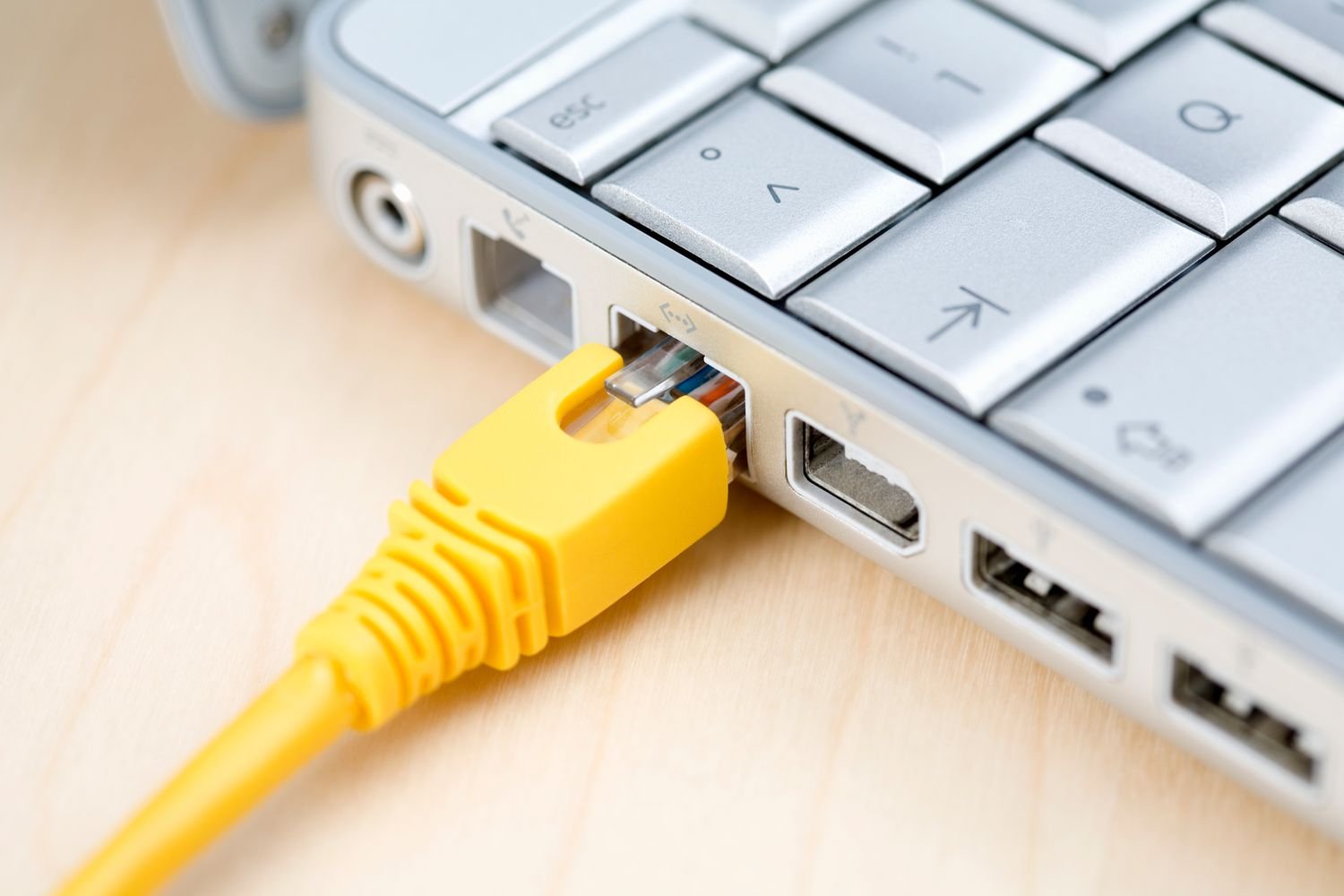
- Switch to a Wired Connection: While modern Wi-Fi is fast, it is prone to interference and signal drops. Using an Ethernet cable provides a much more stable environment for online gaming.
- Flush Your DNS: On a PC, you can use the command prompt to flush your DNS cache. This can resolve issues where your computer is trying to reach an old or incorrect IP address for the game servers.
- Verify Game Files: Most game launchers include an option to verify the integrity of the game files. This checks for corrupted data that might be preventing the game from launching correctly.
Common Error Codes and Their Meanings
When a connection fails, the game often provides an error code. These codes are not random; they are specific identifiers that help players and support staff diagnose the problem. For instance, some codes indicate a failure to communicate with the login service, while others might suggest that your account does not have the necessary permissions to access certain features. (Refer to Fortnite error code help section in Epic Games support)
As per recent Epic Games official updates and server status reports, the most common errors are related to timeout issues. This happens when the game client sends a request to the server but does not receive a response within a set timeframe. This can be caused by a congested network or a firewall on your computer blocking the game. Always ensure that your security software has the game listed as an exception to prevent unnecessary blocks.
Pro Tips for Managing Game Connectivity
To stay ahead of potential downtime and connectivity issues, experts suggest implementing these proactive measures:
- Monitor Third Party Status Sites: Websites that aggregate user reports can sometimes identify an outage faster than official sources.
- Use a Public DNS: Switching your DNS settings to a reliable provider like Google or Cloudflare can often improve connection stability and speed.
- Check Your ISP Status: Sometimes the issue is not with the game or your house, but with the internet service provider in your neighborhood.
- Keep Your Drivers Updated: For PC players, keeping network adapter drivers updated is essential for maintaining a high quality connection.
Common Mistakes to Avoid
One of the biggest mistakes players make is immediately uninstalling and reinstalling the game when they cannot connect. This is a time consuming process that rarely fixes the problem if the issue is server side or network related. Another common error is ignoring system updates. Modern games are tightly integrated with the operating systems they run on, and a mismatch in versions can lead to immediate crashes or connection failures.
Additionally, avoid using virtual private networks (VPNs) unless absolutely necessary. While a VPN can sometimes help bypass regional routing issues, it often adds significant latency and can even trigger security flags on your account, leading to temporary lockouts. Experts suggest that a direct, clean connection is always the best choice for competitive gaming.
Frequently Asked Questions
How long does server maintenance usually last?
For most major updates, maintenance typically lasts between two and four hours. However, larger seasonal transitions can take longer depending on the complexity of the new features being introduced.
Why can I see my friends online if I cannot connect?
This often happens because the game uses different servers for different tasks. Your friends might be connected to a different regional data center that is still operational, or they might have logged in before a specific service went down.
Does my internet speed affect server connectivity?
While a high speed connection is beneficial, stability is more important than raw speed for gaming. Even a slow connection can play the game as long as the packet loss is low and the latency is consistent.
What should I do if the game is down for a long time?
If an outage is confirmed by official sources, the only solution is patience. You can use this time to check for system updates or clear your device cache so you are ready to play as soon as the servers return to a healthy state.
Conclusion
Determining if Fortnite is down requires a combination of checking official status reports and performing basic local troubleshooting. By understanding the difference between scheduled maintenance and unexpected outages, you can save yourself a significant amount of time and frustration. Remember that in a vast majority of cases, downtime is temporary and is part of the necessary process to keep the game running smoothly for millions of people. The best approach is to stay informed through official channels and ensure your local network is optimized for the best possible experience.
Final Takeaway: The fastest way to confirm Fortnite downtime is by checking Epic Games’ official server status. If servers are active, the issue is almost always on the user’s network side and can be fixed with basic troubleshooting steps.





Comments 0
Leave a Reply
Your email address will not be published. Required fields are marked *
Be the first to share your thoughts!