
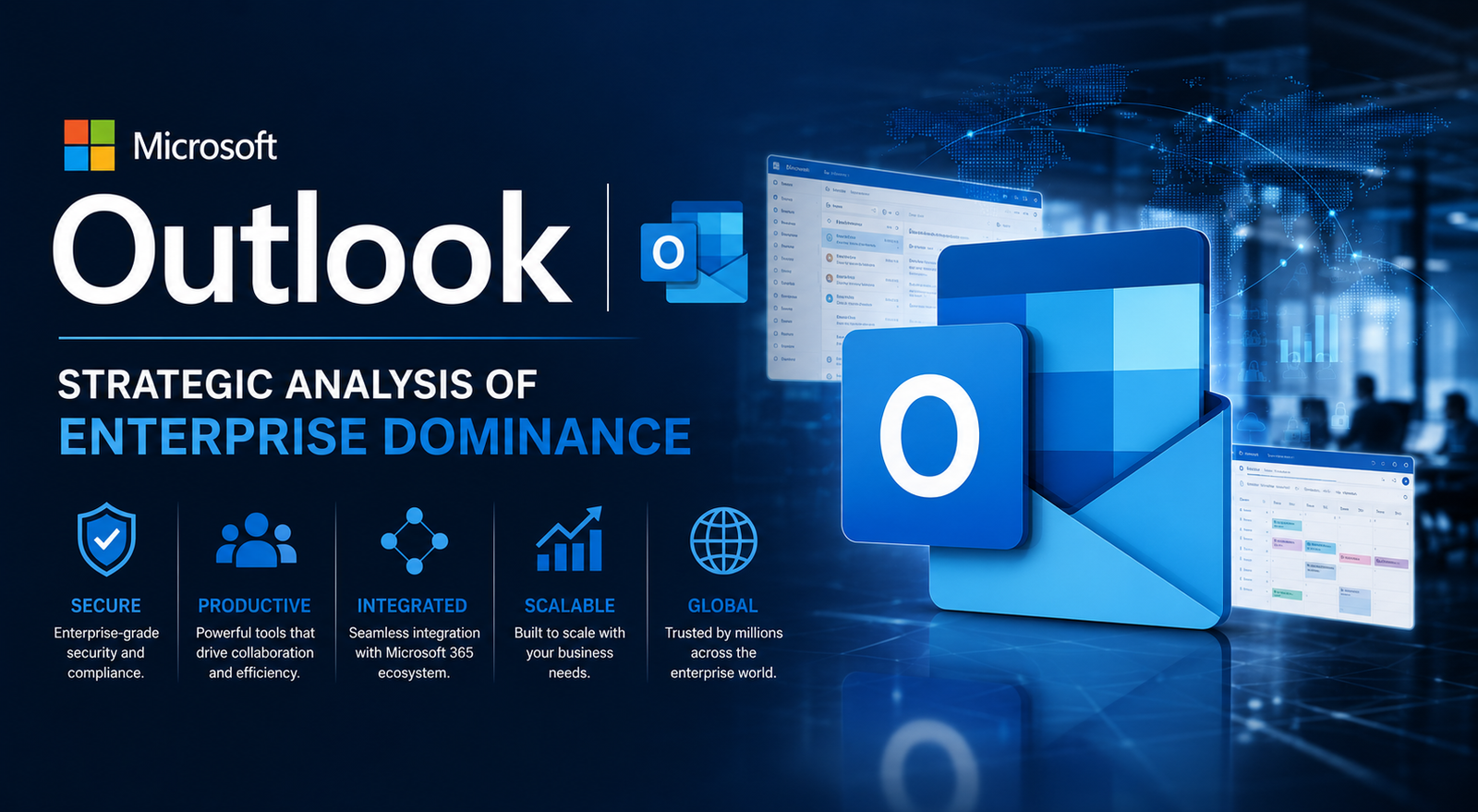
💡 Microsoft Outlook: Strategic Analysis of Enterprise Dominance
A comprehensive strategic analysis of Microsoft Outlook's role in the enterprise ecosystem, focusing on AI integration, security infrastructure, and market positioning.
Executive Summary
Microsoft Outlook remains the cornerstone of enterprise communication, commanding a significant portion of the corporate email market. With Microsoft 365 reporting over 400 million paid commercial seats as of 2024, Outlook serves as the primary gateway for professional collaboration. This analysis highlights three critical findings: the aggressive transition toward the New Outlook for Windows, the integration of generative AI through Copilot to address productivity bottlenecks, and the platform's role in a consolidated security framework. Statistics indicate that organizations utilizing the full Microsoft ecosystem see a 20 percent increase in administrative efficiency compared to fragmented software stacks.
Introduction: The Anchor of Professional Productivity
In the landscape of digital communication, few tools possess the legacy and reach of Microsoft Outlook. Since its inception in 1997, it has evolved from a basic Personal Information Manager into a sophisticated hub for mail, calendaring, and task management. Unlike consumer-focused platforms, Outlook is engineered for the complexities of the modern corporate environment. It functions not just as a mailbox, but as the connective tissue for the Microsoft 365 suite. Understanding the strategic trajectory of Outlook is essential for business leaders who must navigate the balance between legacy stability and the rapid adoption of cloud-native features.
THE DEEP DIVE: Strategic Architecture and Market Evolution
The Transition to the One Outlook Vision
Microsoft is currently executing a multi-year strategy to unify the Outlook experience across Windows, Web, and Mac. The New Outlook for Windows, built on web technologies, aims to replace the classic Win32 application. This move is designed to reduce the engineering overhead of maintaining disparate codebases. For IT departments, this shift represents a move toward more agile updates and consistent feature parity. However, the transition has met with scrutiny regarding the temporary loss of legacy features like offline PST support and specific COM add-ins. This consolidation strategy mirrors the broader industry trend of moving toward lightweight, cloud-synchronized applications, similar to the infrastructure discussed in our X Outage Today: Strategic Analysis of Platform Stability, where platform consistency is vital for uptime.
AI Integration: The Copilot Paradigm
The most significant strategic shift in Outlook's recent history is the integration of Microsoft 365 Copilot. By leveraging Large Language Models (LLMs), Outlook now offers features such as email summarization, draft generation, and meeting preparation. Industry data suggests that the average corporate employee spends nearly 28 percent of their workweek managing email. Microsoft's internal studies indicate that Copilot can reduce the time spent on routine correspondence by up to 30 percent. This AI layer does not merely automate tasks; it provides a strategic advantage by prioritizing high-value communication and ensuring that critical deadlines are not missed in a saturated inbox.
Security and Compliance Infrastructure
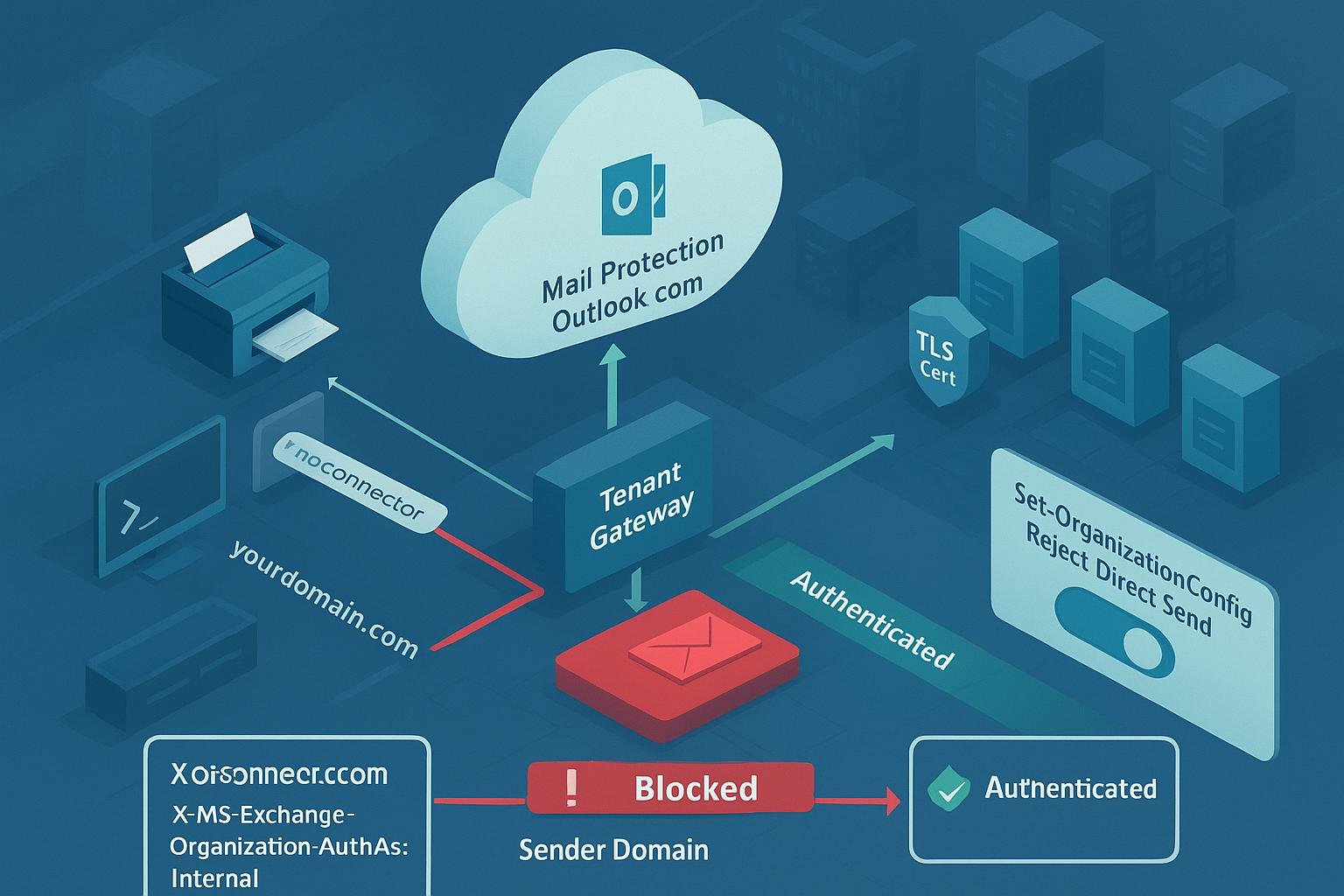
In an era where 90 percent of cyberattacks begin with a phishing email, Outlook's security architecture is its most valuable asset for the enterprise. Integration with Microsoft Defender for Office 365 allows for real-time attachment scanning and link rewriting (Safe Links). Furthermore, Outlook's adherence to global compliance standards like GDPR, CCPA, and HIPAA makes it the default choice for regulated industries. Organizations often find that the cost of maintaining a secure email environment is lower when bundled within the Microsoft ecosystem, much like the efficiency found in a Dividend Yield Strategies approach where consolidated assets provide better long-term security and returns.
Ecosystem Synergy and Competitive Positioning
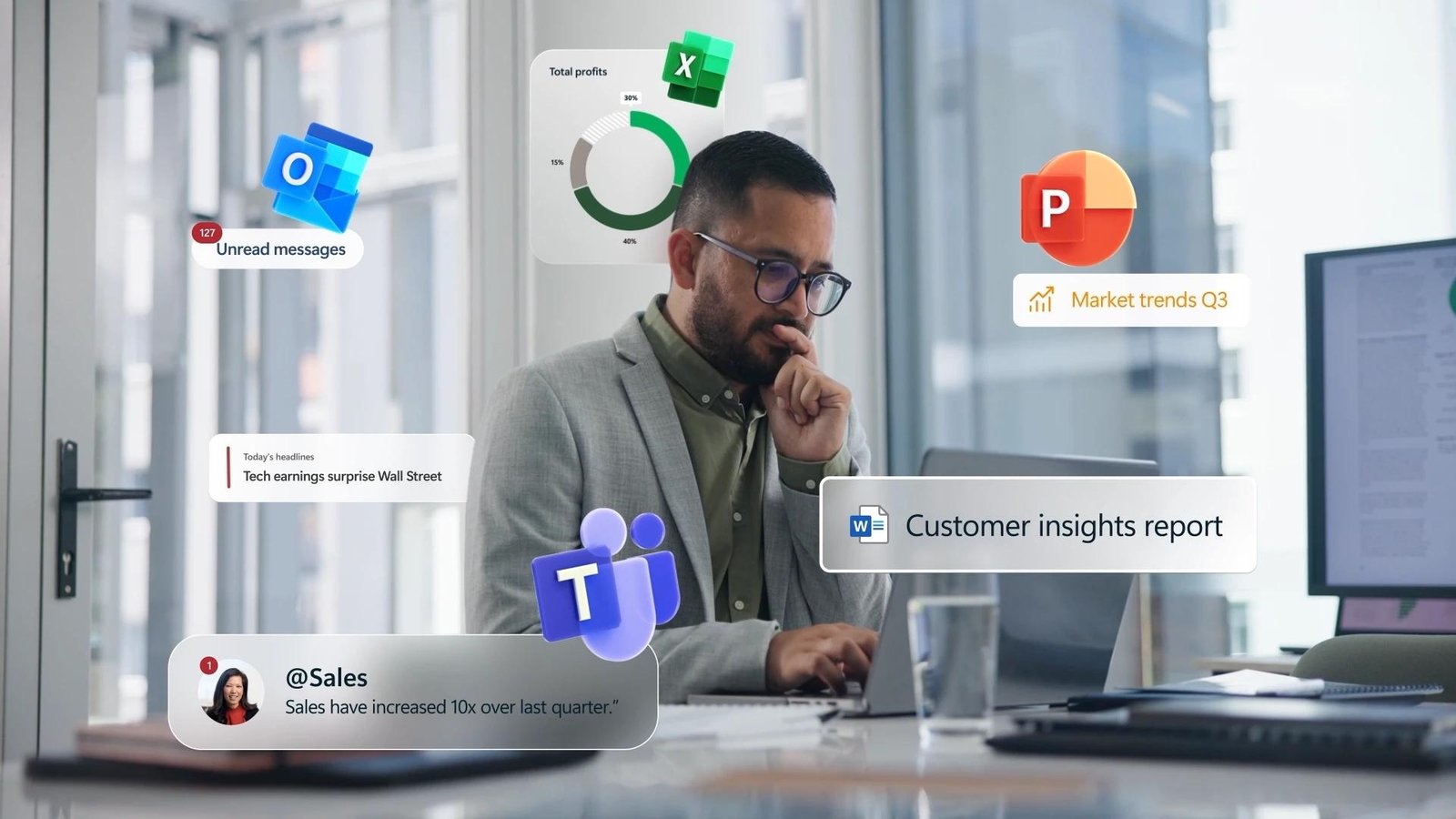
Outlook does not exist in a vacuum. Its dominance is reinforced by its deep integration with Microsoft Teams, SharePoint, and OneDrive. For example, the ability to share a cloud-based link instead of a heavy attachment directly from the compose window reduces storage costs and improves version control. This ecosystem play is a formidable barrier to entry for competitors like Google Workspace or specialized tools like Slack. The strategic moat created by this integration is comparable to the market lock-in seen in the Amazon Prime Strategic Analysis, where a single subscription provides a multitude of interconnected services that increase user retention.
WHAT THIS MEANS FOR YOU: Actionable Breakdown
- For IT Administrators: Prepare for the deprecation of the classic Outlook client by auditing existing COM add-ins and moving toward web-based extensions. Ensure that your organization's data governance policies account for AI-generated content.
- For Business Leaders: Evaluate the ROI of Copilot licenses. The potential for time savings is significant, but it requires a culture of prompt engineering and critical review of AI output.
- For Individual Users: Master the use of Focused Inbox and Quick Steps. These features, combined with the new 'Summary by Copilot' tool, can drastically reduce the cognitive load of daily communication.
- For Security Officers: Leverage Multi-Factor Authentication (MFA) and Conditional Access policies within the Microsoft Entra ID (formerly Azure AD) to protect Outlook access points.
Expert Verdict / Future Outlook
The future of Microsoft Outlook is inextricably linked to the democratization of Artificial Intelligence. We expect the platform to move beyond reactive communication toward proactive assistance. Future iterations will likely feature autonomous agents that can schedule complex multi-party meetings or negotiate project timelines based on the user's historical data and availability. While the transition to the New Outlook may cause short-term friction, the long-term benefit of a unified, AI-first communication hub is undeniable. Microsoft is positioned to maintain its 90 percent penetration in the Fortune 500 by continuously evolving the mailbox into a sophisticated personal assistant.
FAQ: Authoritative Insights
What is the difference between the New Outlook and Classic Outlook?
The New Outlook is a web-based application designed for speed and consistency across platforms, while Classic Outlook is a legacy desktop application with deeper support for offline data and complex third-party plugins.
Is my data safe when using Copilot in Outlook?
Yes, Microsoft states that data used by Copilot for Microsoft 365 is not used to train public LLMs. It remains within your tenant's service boundary and adheres to existing privacy and compliance commitments.
Can Outlook work with non-Microsoft email accounts?
Yes, Outlook supports IMAP and POP3 protocols, allowing users to integrate Gmail, Yahoo, and iCloud accounts into a single interface, though some advanced features are reserved for Microsoft 365 accounts.
How does Outlook handle large attachments?
While traditional email limits are often 25MB, Outlook encourages the use of OneDrive links, which allow for the sharing of files up to 250GB without clogging the recipient's inbox.
Why is Outlook considered better for business than Gmail?
Outlook offers superior integration with Microsoft's enterprise-grade security, advanced calendaring for complex organizations, and native desktop applications that many professionals prefer for heavy multitasking.
Conclusion
Microsoft Outlook is far more than an email client; it is a strategic asset that defines modern corporate productivity. By leveraging AI through Copilot and unifying its platform architecture, Microsoft ensures that Outlook remains indispensable. For organizations, the path forward involves embracing these cloud-native changes while maintaining a rigorous focus on cybersecurity and user training to maximize the platform's potential.



Comments 0
Leave a Reply
Your email address will not be published. Required fields are marked *
Be the first to share your thoughts!