
The Ultimate Guide to Ticketmaster: How to Buy Tickets, Fees, and More
Ever found yourself scrambling for tickets to that must-see concert, gripping sports match, or a mesmerizing theater show? Chances are, one name immediately springs to mind: Ticketmaster. It's a giant in the live entertainment world, and knowing how to navigate it is pretty much a superpower for any event fan in early 2026. But let's be real, with its massive presence come a bunch of questions. How do you actually snag those elusive seats? What's the deal with all those fees everyone talks about? And what happens if your plans suddenly go sideways? Consider this your personal roadmap, your ultimate guide to becoming a bona fide Ticketmaster pro.

What is Ticketmaster?
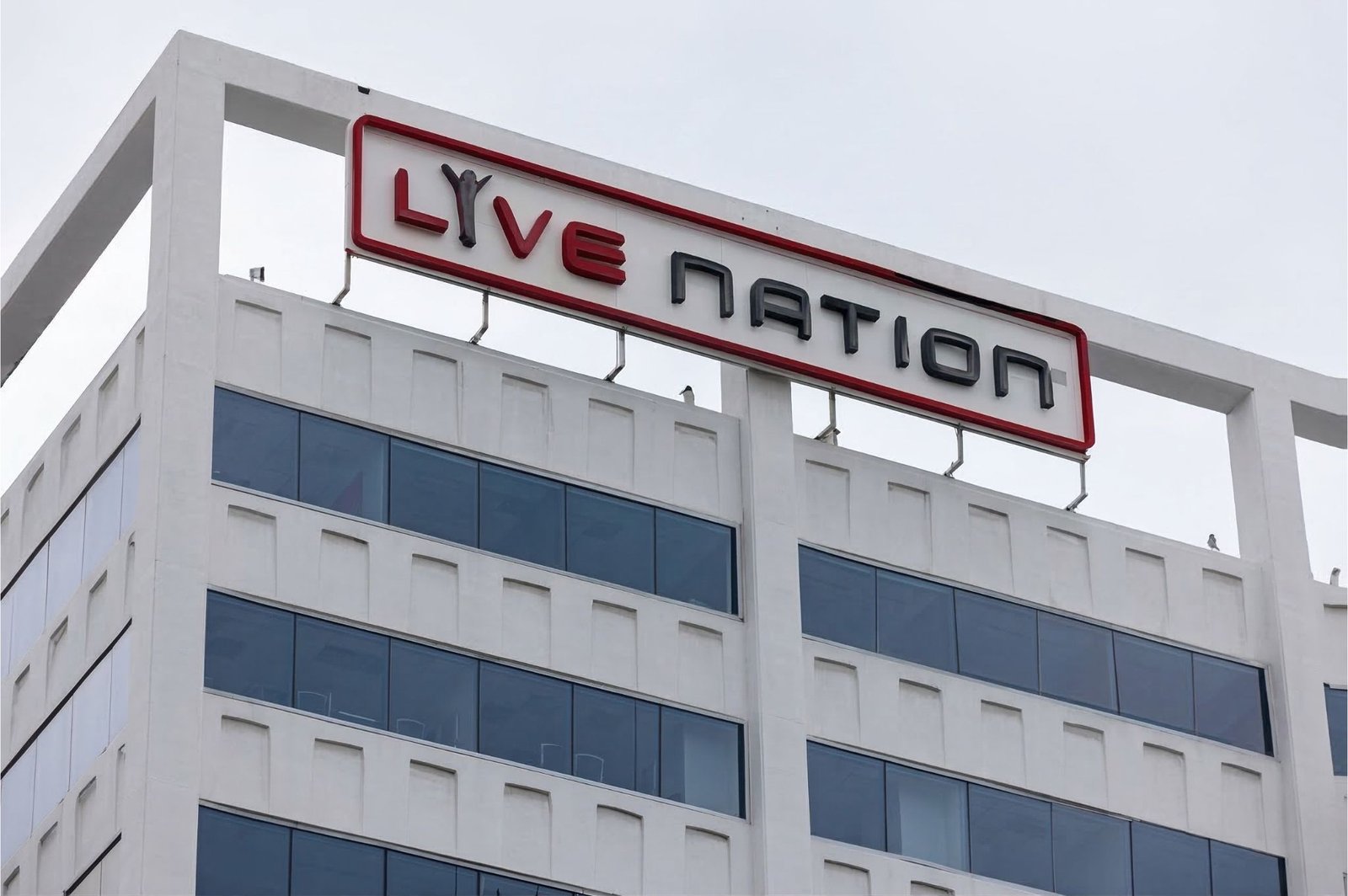
So, what exactly is Ticketmaster, anyway? Simply put, it's a global powerhouse when it comes to selling and distributing tickets for live events. Born in 1976, it's absolutely exploded in size, becoming that familiar name we all associate with getting into incredible experiences. They're not just selling tickets directly from venues and organizers (that's their primary role), but also run a secondary marketplace through Ticketmaster Resale. Here's a key bit of info: it's actually part of Live Nation Entertainment. Ticketmaster is owned by Live Nation Entertainment, a company that manages events, venues, and artist tours. This connection allows Ticketmaster to provide tickets for a wide range of events across the world. This whole integrated system means Ticketmaster can offer an insane variety of events - music, sports, arts, family shows, you name it - pretty much anywhere on the planet. No wonder millions turn to them first.
How to Buy Tickets on Ticketmaster
While buying tickets on Ticketmaster *should* be simple, knowing a few tricks can seriously boost your odds, especially for those super popular events.Follow these steps to improve your chances of getting tickets, especially for high-demand events. Here's your step-by-step guide:
Common Mistakes to Avoid When Buying Tickets
Many users fail to secure tickets due to simple mistakes. Avoid the following:
Not logging into your account before the sale starts
Entering payment details during checkout instead of saving them earlier
Refreshing the page while in the waiting queue
Missing pre-sale registration opportunities
Being prepared in advance can significantly improve your chances of getting tickets.
Step 1: Create a Ticketmaster Account
Alright, first things first: before you even *dream* of hitting that 'buy' button, you absolutely need a Ticketmaster account. This isn't just some boring formality; it's literally your command center for everything - managing orders, pulling up mobile tickets, and getting crucial event updates. Good news, it only takes a few minutes to set up:
- Visit the Ticketmaster website or download the mobile app.
- Click "Sign In" or "My Account" and select "Create Account."
- Provide your email address, create a strong password, and enter your personal details.
- Verify your email if prompted.
Seriously, have your account primed and ready. That means up-to-date payment info (credit card, billing address, all that jazz) because for those mega-popular events, tickets can vanish in seconds. For those big-time sales, I'd even suggest logging in super early and just chilling on the event page.
Step 2: Finding Your Event and Navigating the Sale
So, you're logged in. Great! Now, either use the search bar or poke around the categories to find the event that's got your name on it. For the really hot tickets, Ticketmaster often brings out the big guns: their "Verified Fan" program or a "waiting room" system. These are basically designed to handle massive demand and keep those pesky bots at bay. If it's a Verified Fan event, you *have* to register ahead of time, hoping to get an access code. If you're lucky enough to snag one, that code is your golden ticket into the pre-sale. For general sales, a waiting room usually pops open about 10-15 minutes before tickets officially drop. My advice? Get in there early - your spot in that queue can seriously affect your chances.
Step 3: Selecting Tickets and Checking Out
Okay, your turn! You'll land on a virtual venue map. Here, you can either pick specific seats or just go for "best available" - sometimes that's the fastest way. Take a good look at the seating chart, different price levels, and any fine print. Once you've clicked on your seats, they're usually held for a short window (think 5-10 minutes) while you finalize things. *Seriously*, double-check your order. That includes the final price with all those fees (we're diving into those next, don't worry!). Then, hit payment, ideally using your saved method for a lightning-fast checkout. Boom! You've officially snagged your tickets. High five!
Ticketmaster Fees: What You Need to Know
Ah, the infamous Ticketmaster fees. If there's one thing that gets everyone talking - and often frustrated - it's these extra charges. While they might feel like sneaky add-ons, they actually help cover all sorts of operational costs. Knowing what you're paying for is super important, so you aren't hit with a nasty surprise at checkout.
Service Fees
Service fees are probably the ones you see most often, and often the biggest chunk of those extra charges. They're tacked on per ticket and essentially pay for Ticketmaster's whole operation - the platform itself, the tech, customer support, and all the behind-the-scenes stuff that keeps millions of transactions secure. How much are we talking? It really shifts depending on the event, the venue, and the ticket price. So, a hot concert ticket might come with a heftier service fee percentage than, say, a quiet night at the local theater.
Other Common Fees:
- Convenience Fees: While sometimes grouped with service fees, these are theoretically charged for the convenience of purchasing tickets online or via phone, rather than in person.
- Order Processing Fees: This is a per-order fee, regardless of the number of tickets. It covers the administrative costs of processing your entire transaction.
- Facility Fees: These fees are often added by the venue itself to cover operational costs, maintenance, or improvements. Ticketmaster simply collects and passes these along.
- Delivery Fees: Depending on your chosen delivery method (e.g., mail, courier), you might incur an additional charge. Mobile tickets often avoid this.
Pro Tip for not getting sticker shock: Always, *always* try to find the "all-in pricing" option if it's there. This magic button shows you the grand total, fees and all, right from the get-go. If you don't see it, make sure you click all the way through to the final checkout page *before* you confirm anything, just to see the real, full price.

Is Ticketmaster Safe and Reliable?
Ticketmaster is a trusted platform used worldwide for booking event tickets. However, due to high demand, tickets can sell out quickly and prices may change dynamically.
To stay safe:
Always use the official website or app
Avoid unauthorized third-party sellers
Use Ticketmaster’s verified resale system when needed
Ticketmaster Refund Policy
Life, right? Sometimes things just don't go as planned. That's why really getting a grip on Ticketmaster's refund policy is super important, especially if an event gets messed up by something unexpected. Their rules can be pretty detailed, so let's break it down for you:
Refund Eligibility
Generally speaking, Ticketmaster's go-to rule is "all sales are final." Bummer, right? So, if you just wake up and decide you don't want to go, or something else pops up, you're usually out of luck for a refund. But hey, there are some pretty clear exceptions:
- Cancelled Events: If an event just gets straight-up cancelled, you're almost always getting a full refund, and yep, that usually includes most of the fees. Ticketmaster typically handles these automatically, but it's smart to keep an eye
Conclusion
Ticketmaster is a reliable platform for booking tickets to live events. By understanding how the platform works, preparing in advance, and being aware of fees and policies, users can improve their chances of successfully booking tickets without unnecessary issues.
Related Media
Quick View: The Ultimate Guide to Ticketmaster: How to Buy Tickets, Fees, and More




Comments 0
Leave a Reply
Your email address will not be published. Required fields are marked *
Be the first to share your thoughts!