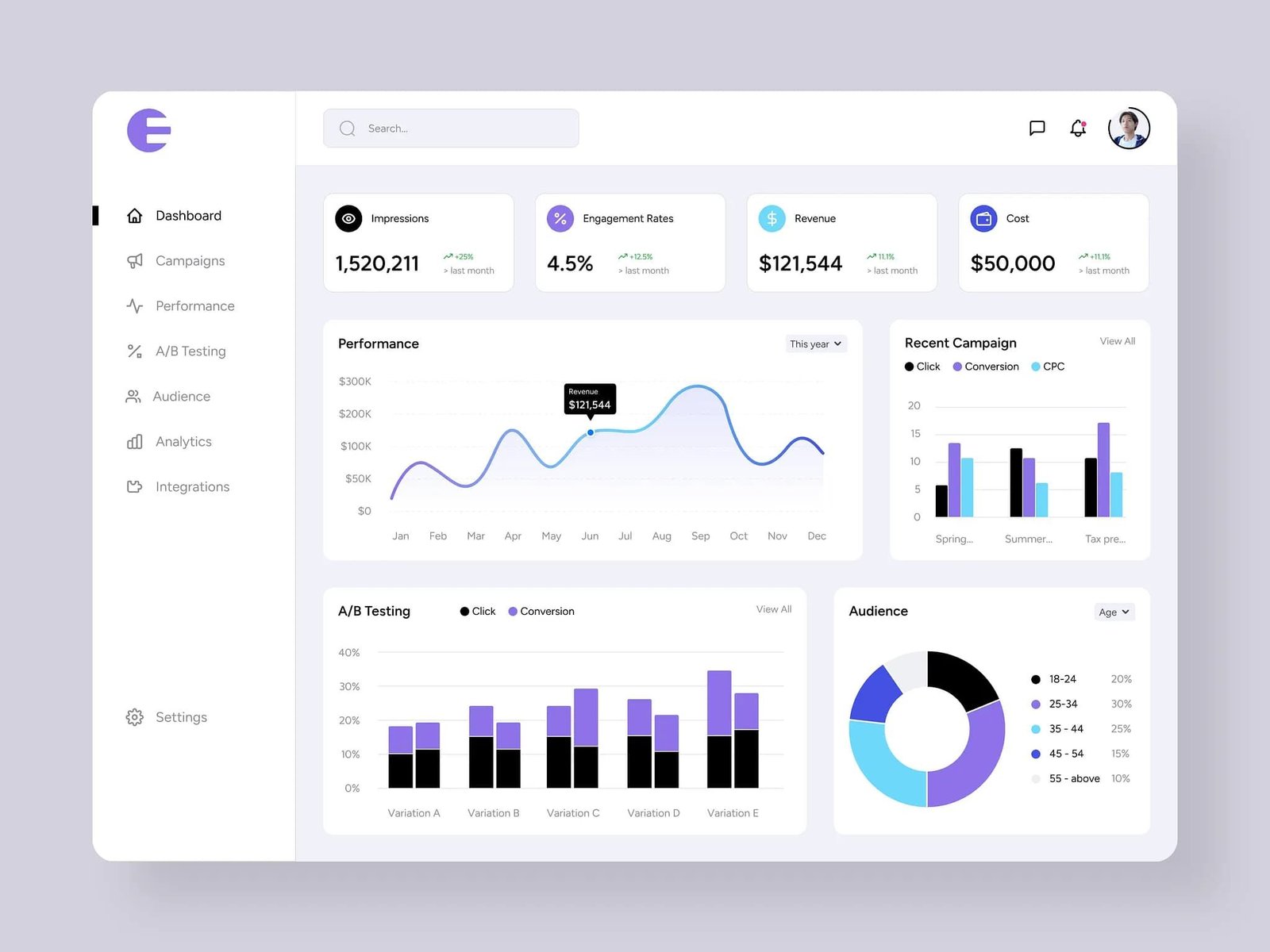
Best Marketing Automation Tools for Small Business Marketing in 2026
Running a small business often feels like spinning several plates at once. You might start the morning replying to customer emails, move on to managing orders, and end the day trying to post something on social media. Marketing, while essential, can quickly become overwhelming.
That’s where marketing automation tools come in. They help handle repetitive tasks—like sending emails, scheduling posts, or tracking leads—so you can focus on what really matters: growing your business and building relationships with customers.
In 2026, these tools are easier to use and more accessible than ever. Many platforms offer simple dashboards, helpful integrations, and automation features designed specifically for small businesses.
This guide explores some of the best marketing automation tools available today and how they can help small businesses work smarter.
What Is Marketing Automation?
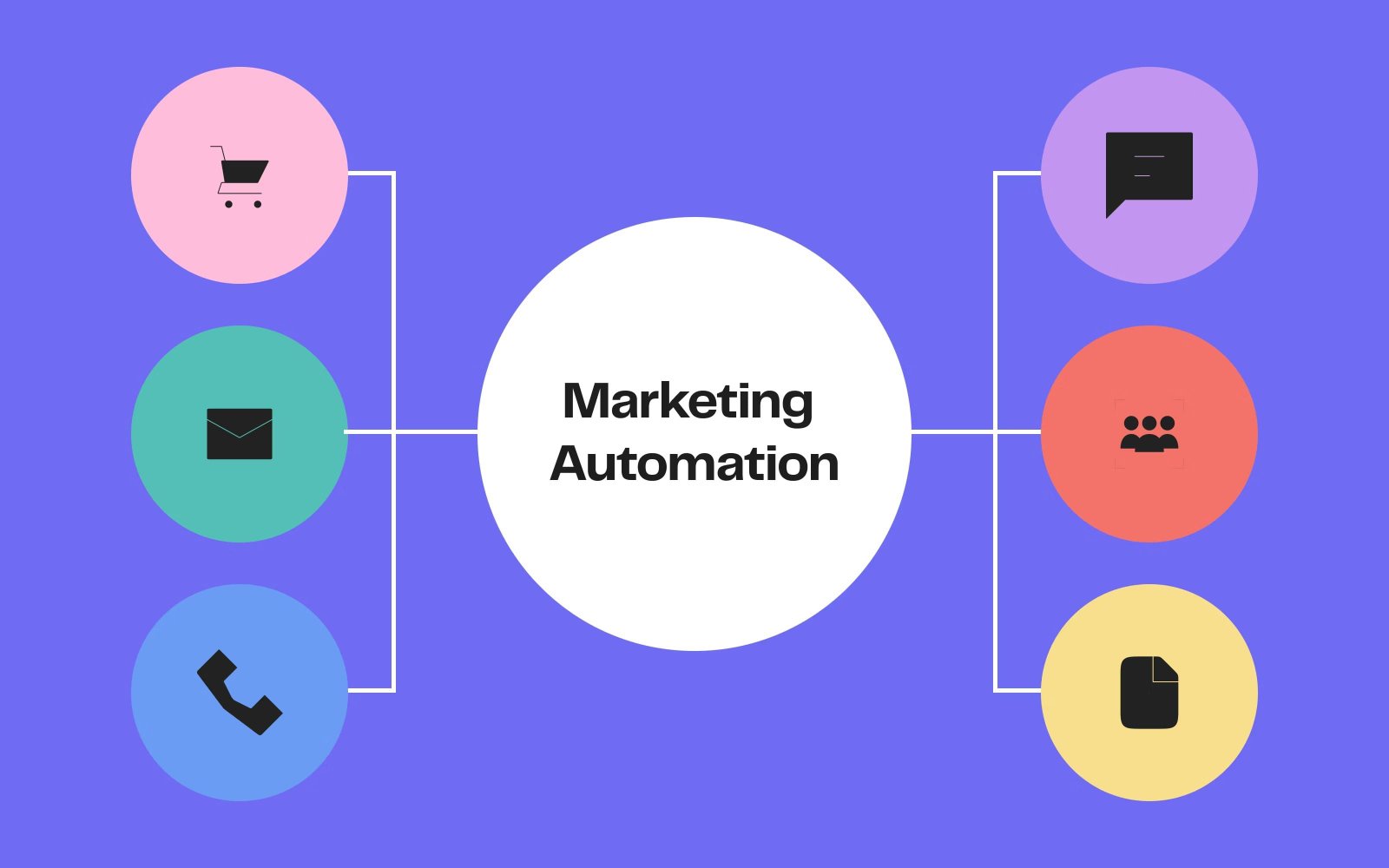
Marketing automation refers to software that automates routine marketing tasks. Instead of manually completing every action, you can create systems that work automatically in the background.
Common tasks that can be automated include:
Sending email campaigns
Scheduling social media posts
Tracking website visitors
Managing customer data and leads
Analyzing campaign performance
For example, imagine someone signs up for your newsletter. Rather than sending emails one by one, the system can automatically send a welcome message, followed by helpful tips and offers over time.
It’s a simple idea—but it can save hours of work each week.
And for small business owners, that time is incredibly valuable.
Best Marketing Automation Tools for Small Businesses (2026)
1. HubSpot Marketing Hub
HubSpot is one of the most widely used all-in-one marketing platforms. It combines customer relationship management (CRM), email marketing, analytics, and automation into a single system.
For small businesses, this centralized approach can make marketing much easier to manage.
Key features
Email automation and follow-ups
Built-in CRM for managing contacts
Lead tracking and scoring
Marketing performance analytics
Example
A small consulting company might offer a free downloadable guide on its website. When someone downloads it, HubSpot automatically sends a welcome email and follows up with educational content over the next few weeks.
Pros
- User-friendly interface
- Strong CRM integration
- Free plan available
Cons
- Advanced tools can become expensive
- Some features require time to learn
2. Brevo (formerly Sendinblue)
Brevo is a popular marketing platform designed with small businesses in mind. It’s especially useful for companies that rely heavily on email communication.
In addition to email marketing, it offers SMS campaigns and automation workflows that help businesses stay connected with their audience.
Key features
- Email campaign builder
- Automated email sequences
- SMS marketing tools
- Audience segmentation
Example
An online clothing store could automatically send reminder emails to shoppers who leave items in their cart. That small nudge often turns interest into a sale.
Pros
- Budget-friendly pricing
- Easy to use for beginners
- Multiple communication channels
Cons
- Limited landing page capabilities
- Some advanced automation features require higher plans
3. ActiveCampaign
ActiveCampaign is known for its powerful automation and personalized marketing capabilities.
The platform allows businesses to design campaigns that respond to customer behavior—such as opening an email or visiting a specific page.
Key features
- Advanced automation workflows
- Personalized email marketing
- CRM and sales automation
- Customer behavior tracking
Example
A fitness coach might create a welcome sequence for new clients that includes workout tips, motivational messages, and nutrition advice sent automatically over several weeks.
Pros
- Highly flexible automation
- Strong personalization tools
- Excellent for scaling businesses
Cons
- Setup can be complex at first
- Higher pricing than some alternatives
4. Buffer
Maintaining a consistent social media presence is important—but it can also be time-consuming.
Buffer helps by allowing businesses to plan and schedule posts across multiple social media platforms in advance.
Key features
- Social media scheduling
- Post performance analytics
Team collaboration tools
Multi-platform management
Example
A restaurant owner might schedule posts for the entire week—daily specials, behind-the-scenes photos, and customer reviews—in one sitting.
Suddenly, social media becomes manageable.
Pros
- Simple and clean interface
- Affordable plans
- Great for beginners
Cons
- Limited marketing automation features
- Basic analytics compared to larger platforms
5. Zapier
Zapier works differently from most marketing tools. Instead of focusing on a single task, it connects different apps and automates workflows between them.
Think of it as the bridge that keeps your business tools communicating with each other.
Key features
- No-code automation workflows
- Integrations with thousands of apps
- Trigger-based actions
Example
When someone fills out a contact form on your website, Zapier can automatically:
Add the lead to your CRM
Send a welcome email
Notify your sales team
Pretty useful, right?
Pros
- Extremely flexible
- Connects with many popular apps
- No coding required
Cons
- Costs can increase with heavy use
- Workflows require planning to set up
6. Canva
Marketing today is highly visual. Social media posts, ads, and presentations all need eye-catching design.
Canva makes this easier—even for people with no design background.
Key features
- Social media templates
- Brand kits
- Marketing presentation tools
- Collaboration features
Example
A local bakery might design Instagram promotions, menu boards, and seasonal flyers within minutes.
No designer required.
Pros
- Very beginner-friendly
- Large template library
- Affordable plans
Cons
- Limited advanced design control
- Popular templates can appear widely online
Practical Tips for Small Businesses
Choosing the right tools is important, but how you use them makes the biggest difference.
Here are a few practical tips.
Start simple
Avoid using too many tools at once. Begin with one or two platforms that solve your biggest challenges.
Automate repetitive tasks
Focus on tasks like welcome emails, appointment reminders, and customer follow-ups.
Track performance
Use analytics to see what’s working and what isn’t. Marketing should evolve based on real results.
Keep communication personal
Automation should make your messages consistent—but they should still feel genuine.
After all, customers want to feel like they’re talking to a business that understands them.
Why Trust This Information?
The recommendations in this guide are based on careful evaluation of widely used marketing platforms that have proven useful for small businesses across different industries.
Each tool mentioned has been recognized for helping businesses manage email campaigns, customer relationships, social media marketing, and workflow automation more efficiently. The focus here is not on trends or hype but on practical solutions that real businesses use every day.
In addition, this guide presents a balanced view by outlining both advantages and limitations of each platform. This approach allows readers to compare options objectively and choose the tools that best match their needs, budget, and marketing goals.
Expert Insight
Many small businesses delay using automation because it feels complicated at first. But in reality, the biggest challenge is not the technology—it’s having a clear marketing strategy.
Businesses that understand their audience and communicate consistently tend to benefit the most from automation tools. The technology simply supports that process by saving time and keeping communication organized.
Strong marketing still depends on creativity, empathy, and understanding your customers.
Frequently Asked Questions (FAQ)
What is the best marketing automation tool for beginners?
Platforms like HubSpot and Brevo are excellent starting points because they offer user-friendly interfaces and free plans.
Are marketing automation tools expensive?
Not necessarily. Many tools offer free tiers or affordable entry-level plans designed for small businesses.
Can automation replace human marketing work?
No. Automation helps manage repetitive tasks, but strategy, creativity, and relationship building still rely on human input.
How many marketing tools should a small business use?
Most small businesses benefit from using two or three core tools—such as email marketing, social media scheduling, and analytics.
Is marketing automation suitable for very small businesses?
Yes. Even solo entrepreneurs can benefit from automated emails, scheduled social posts, and simple lead tracking.
Conclusion
Marketing automation has become a powerful resource for small businesses. Tasks that once required hours of manual effort can now run automatically in the background.
Tools like HubSpot, Brevo, ActiveCampaign, Buffer, Zapier, and Canva help businesses stay organized, communicate consistently, and reach customers more effectively.
The best approach is to start small. Choose a tool that solves a specific problem, learn how to use it well, and gradually build a system that supports your marketing strategy.
Because when marketing becomes easier to manage, you gain something every business owner needs more of—time.
Image Gallery






Comments 0
Leave a Reply
Your email address will not be published. Required fields are marked *
Be the first to share your thoughts!